Comparisons
Automatic vs manual transcription: which should you choose?
Compare automatic and manual transcription, then test, review, and export your own recording in Transcrever before choosing.
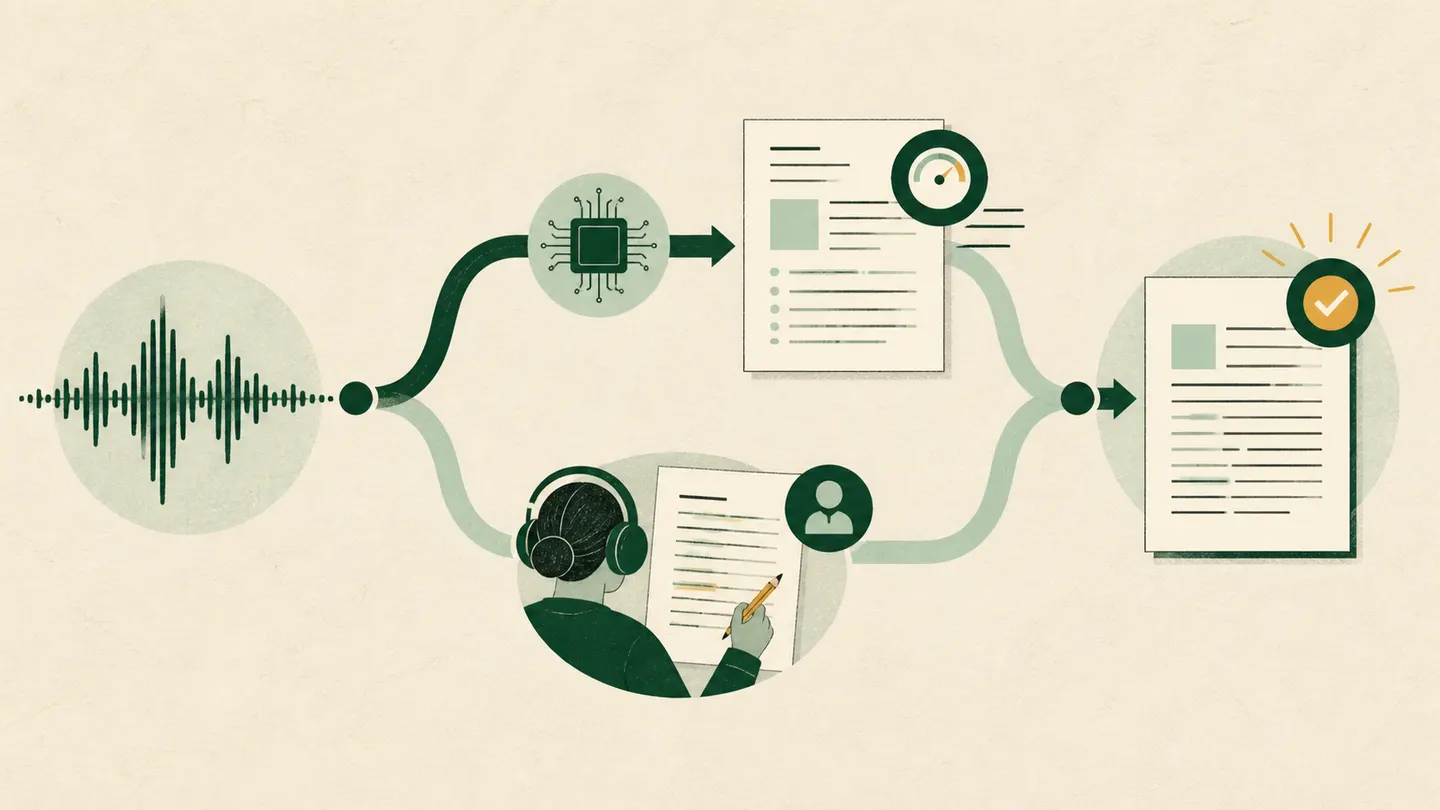
Choose automatic transcription when you need a searchable first version and can check the passages that matter. Choose manual transcription when the recording requires continuous interpretation or the work follows detailed notation rules. In Transcrever, the practical workflow is hybrid: upload audio or video, generate timed text with speaker labels, listen while correcting it, then download TXT, DOCX, SRT, or VTT.
Quick comparison
| If you need to... | Automatic with review | Manual | Best starting point |
|---|---|---|---|
| Search a long recording | Creates searchable text | Requires sequential listening and typing | Automatic |
| Prepare SRT subtitles | Keeps timing for export | Requires creating timings | Automatic with review |
| Confirm an important quotation | Locates the passage but still requires listening | Decides every word while listening | Hybrid |
| Apply custom notation to overlaps and pauses | May not follow the required convention | Applies the rules throughout | Manual |
| Separate meeting participants | Produces speaker labels to review | Identifies voices while typing | Automatic with review |
The choice depends on the recording, the file you need at the end, and the consequence of getting a name, number, or speaker wrong.
How automatic transcription works in Transcrever
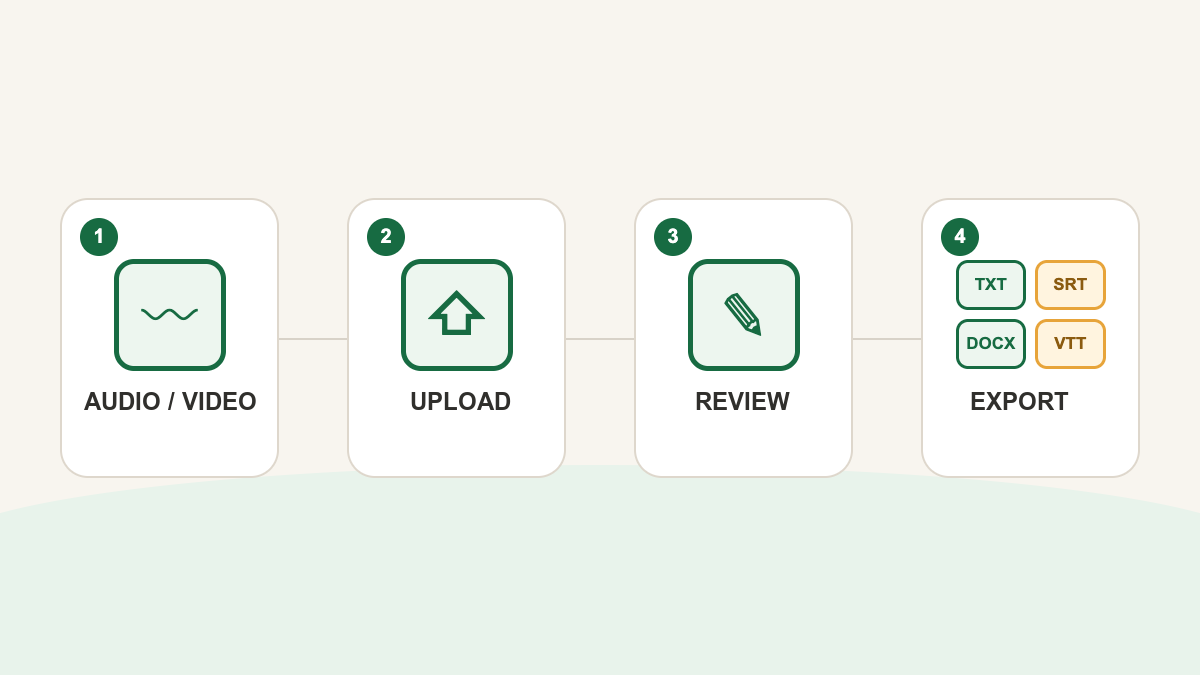
On the homepage, first select the spoken language, add names or terms to the vocabulary if needed, and keep speaker separation enabled for multiple voices. Then choose the audio or video file to start uploading. Once the transcript is complete, open it for review.
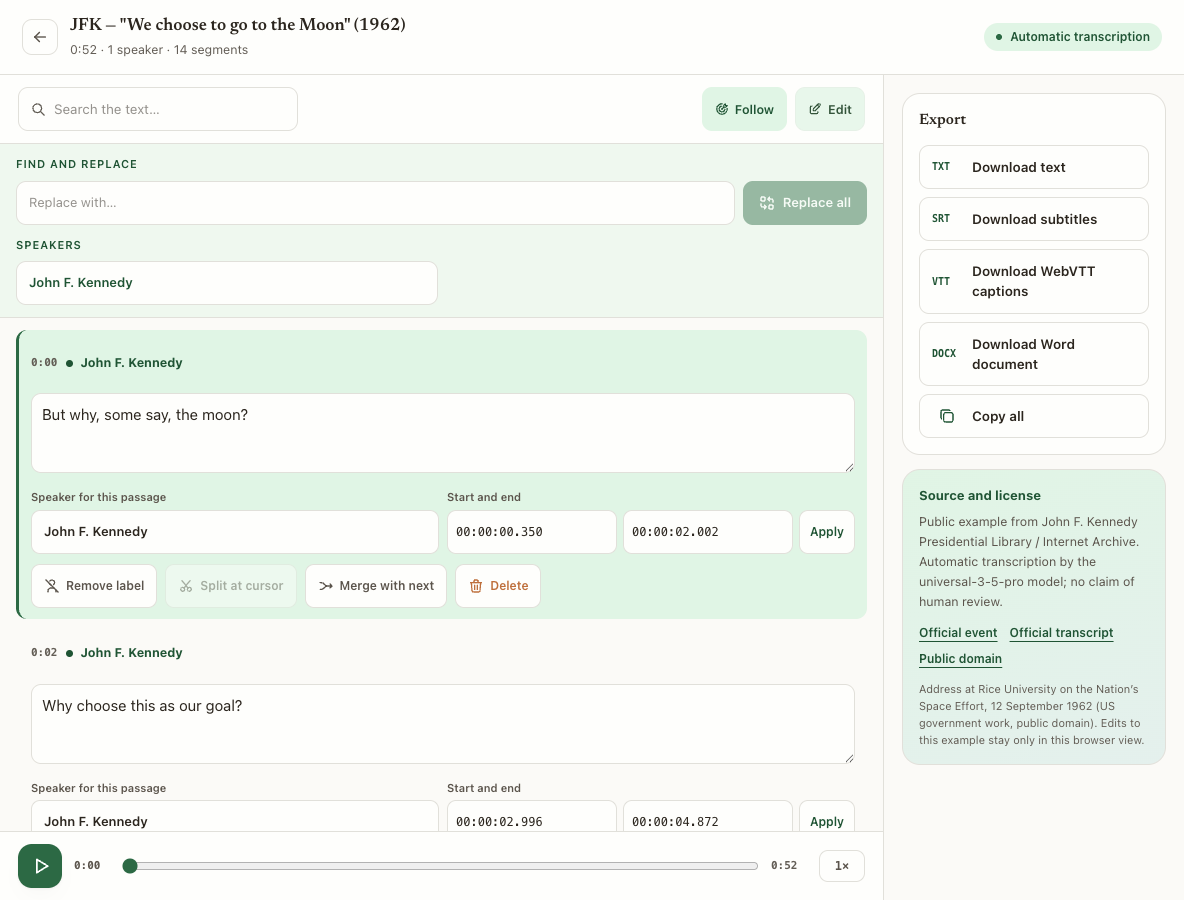
The editor presents timed segments and speaker labels. You can search the text, play the source recording, edit passages, rename speakers, and download TXT, DOCX, SRT, or VTT. Review is a normal part of this workflow, not a fallback reserved for bad files.
When automatic transcription is the better fit
Use an automatic first version when your goal is to find, select, edit, or caption content. It works well for recorded lectures, interviews, podcasts, videos, and meetings where the main voices are audible.
Its practical value is not removing every minute of listening. It lets you search first, return to an exact time, and focus attention on passages that will be quoted, published, or shared.
In Transcrever, this workflow helps you:
- find where a topic or name was mentioned;
- correct specialist terms before using the text;
- check who spoke in a passage;
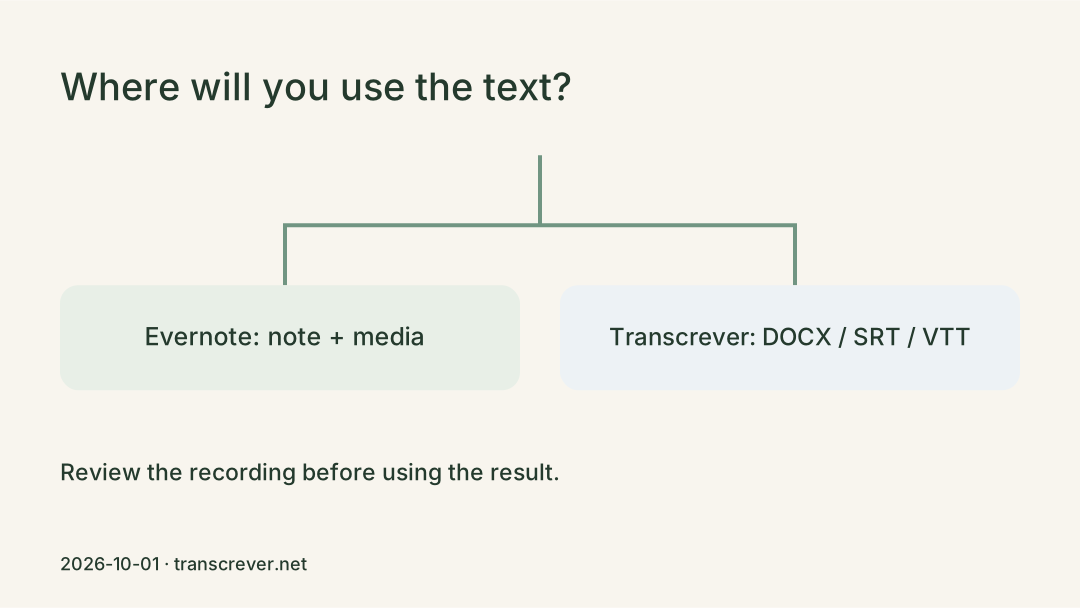
- produce text as TXT or DOCX;
- create timed subtitles as SRT or VTT.
Start on the audio-to-text page and test a passage that represents the real conditions of your recording.
When manual transcription is the right choice
Manual transcription is appropriate when listening and deciding are inseparable from the task. Examples include discourse analysis, research with a specific notation convention, severely degraded audio, or recordings with constant overlap.
It may also be necessary when every pause, hesitation, and interruption must follow project-specific rules. Transcrever provides editable text, timings, and speakers; it does not automatically apply a custom academic or legal notation system.
Manual work is not automatically error-free. Names, negatives, and numbers still need review when the text will support a quotation or important record.
Why a hybrid workflow is often practical
A recording rarely carries the same importance from beginning to end. Only a few interview answers may become quotations. A lecture may contain a small set of terms that need exact spelling. A meeting may have a handful of passages that support a decision.
Use this workflow:
- let Transcrever create the searchable first version;
- search for names, numbers, and important terms;
- play every passage that will be used;
- correct the text and confirm the speaker;
- download only after review.
For interviews, listen from the question through the end of the answer before selecting a quotation. The interview transcription page applies the workflow to that type of recording.
Test your own recording before choosing
Do not test only a clean introduction when the rest contains discussion, noise, or distant participants. Choose a sample with a real challenge: a speaker change, a proper name, a number, and a less clear passage.
Check missing words, names and numbers, changes in meaning, and speaker labels. If the first version lets you find and correct the important passages, automatic transcription with review is a sensible choice. If nearly every sentence needs reconstruction or custom notation, plan for manual work.
Frequently asked questions
Does automatic transcription replace review?
Not when text will be published, quoted, or used to attribute speech. Use search and timestamps to locate each passage and compare it with the source recording.
Can I edit a transcript in Transcrever?
Yes. Open a completed task, enter edit mode, correct segments, and rename speakers before downloading the file.
Which formats can I download?
The editor provides TXT for plain text, DOCX for continued work in a document editor, and SRT or VTT for timed subtitles.
How should I decide with my own file?
Upload a representative recording, review names, numbers, and speakers, and see how much text needs rebuilding. That test is more useful than a general accuracy promise.