Choosing a tool
An Evernote alternative for transcribing and exporting recordings
Choose between keeping a transcript in notes and reviewing a recording for text or subtitle exports in other programs.
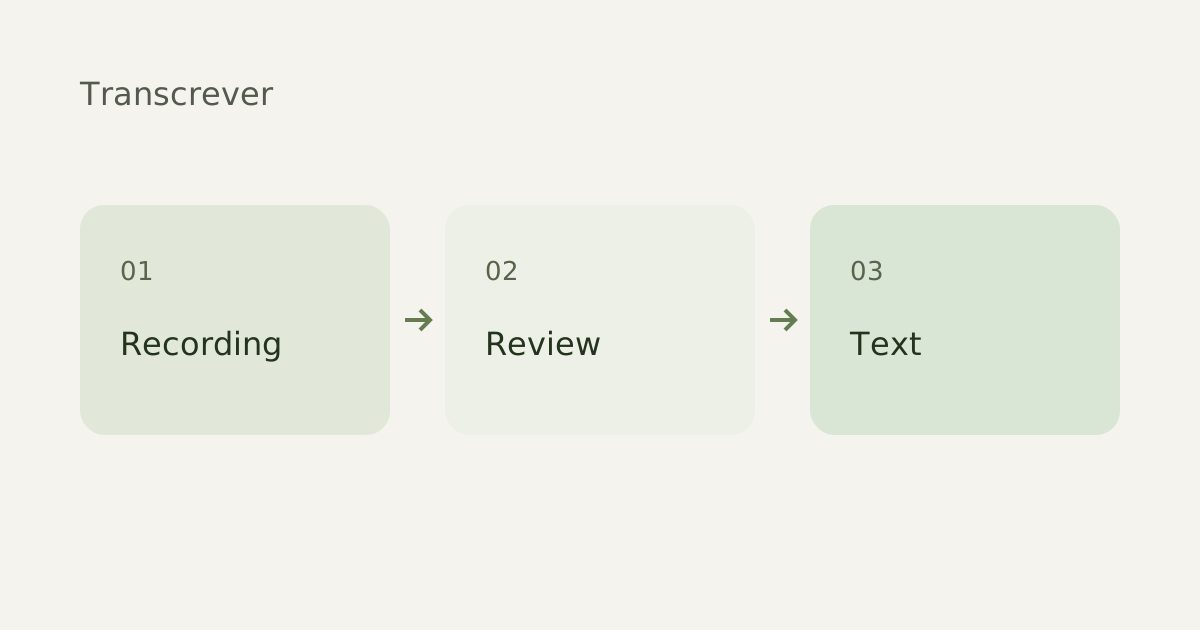
If you need an Evernote alternative for a recording, first decide whether you want a note beside the audio, an editable document or timed captions. Transcrever accepts a file, lets you review it against playback and exports TXT, DOCX, SRT or VTT.
A note or a file for another program?
The Evernote AI Transcribe documentation, checked September 30, 2026, distinguishes in-note transcription from its web tool, which offers copy, TXT download or saving to Evernote. If you work in a note library, check that workflow before switching.
When to try Transcrever
| You need | Your next step in Transcrever |
|---|---|
| Review an interview | Upload and check speech against playback |
| Edit in a document | Correct and download DOCX or TXT |
| Prepare captions | Review speech and timing, then export SRT or VTT |
Prepare the original recording
Use a local copy you may share. Verify its beginning, end and duration. Accepted formats include MP3, M4A, WAV and OGG, plus MP4, MOV and WebM video. For audio attached to a note, save the original before selecting it in your browser. Keep slides or images nearby when needed: Transcrever transcribes recorded speech.
Review before using the text
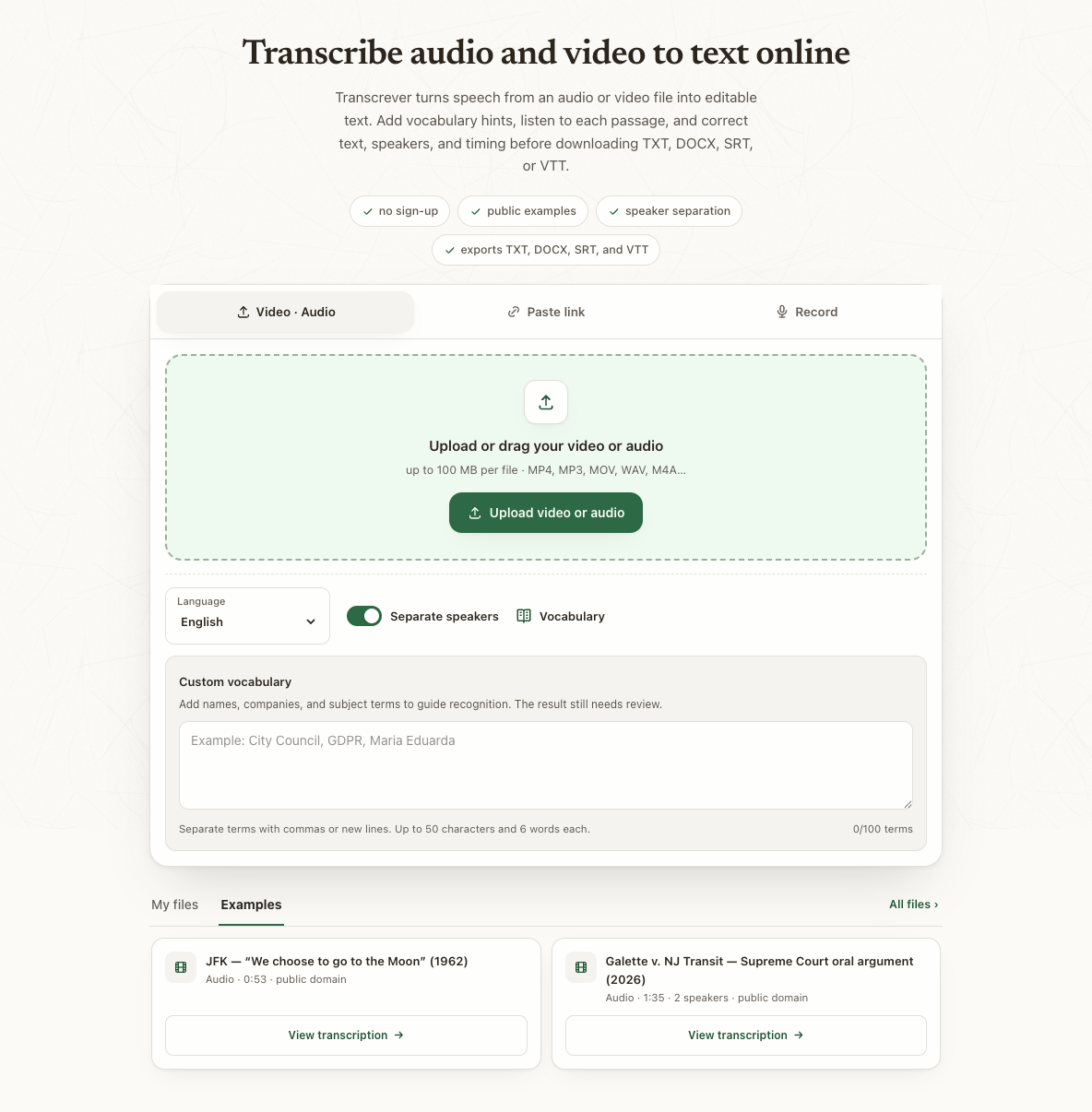
Choose the spoken language, add names to vocabulary if helpful and upload. Once completed, check names, numbers and who spoke each passage. Correct labels before quoting anyone. Audio to text explains upload and review.
Check limits before paying
The anonymous trial includes 30 total minutes, up to 10 minutes and 100 MB per file. A Free account has 30 minutes monthly; subscriptions and one-time minutes serve other volumes. Minute purchases require Google sign-in and do not extend retention. Compare current prices and Evernote's current terms before choosing.
Choose export by its use
TXT contains untimed paragraphs; DOCX supports further editing and bolds present speaker labels. SRT and VTT include passage timing; verify it in your video editor. Save a copy before your access's retention period ends.
Which should I use?
Choose by your destination: notes alongside material, a document for editing or a caption file. Test a representative recording and assess the effort to correct and use it. This guide compares workflows; check your audio's transcription quality in the trial.