Choosing a tool3 min read
An Evernote alternative for transcribing and exporting recordings
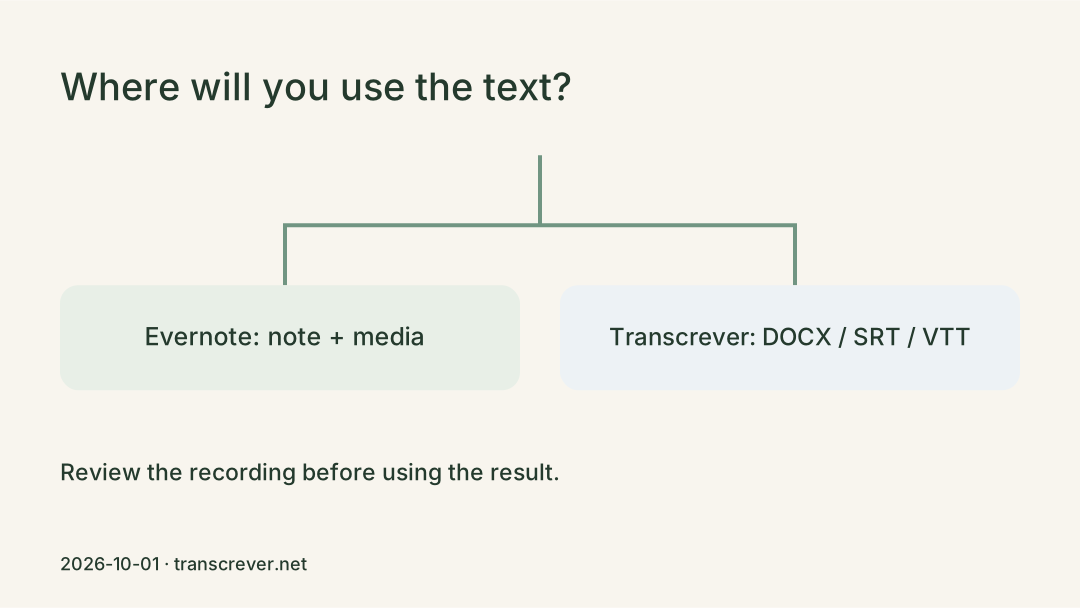
Choose between keeping a transcript in notes and reviewing a recording for text or subtitle exports in other programs.
Transcrever Blog
Follow complete Transcrever workflows for meetings and lectures, compare methods and formats, and fix names, speakers, and uncertain passages before downloading TXT, DOCX, SRT, or VTT.
Choose between keeping a transcript in notes and reviewing a recording for text or subtitle exports in other programs.
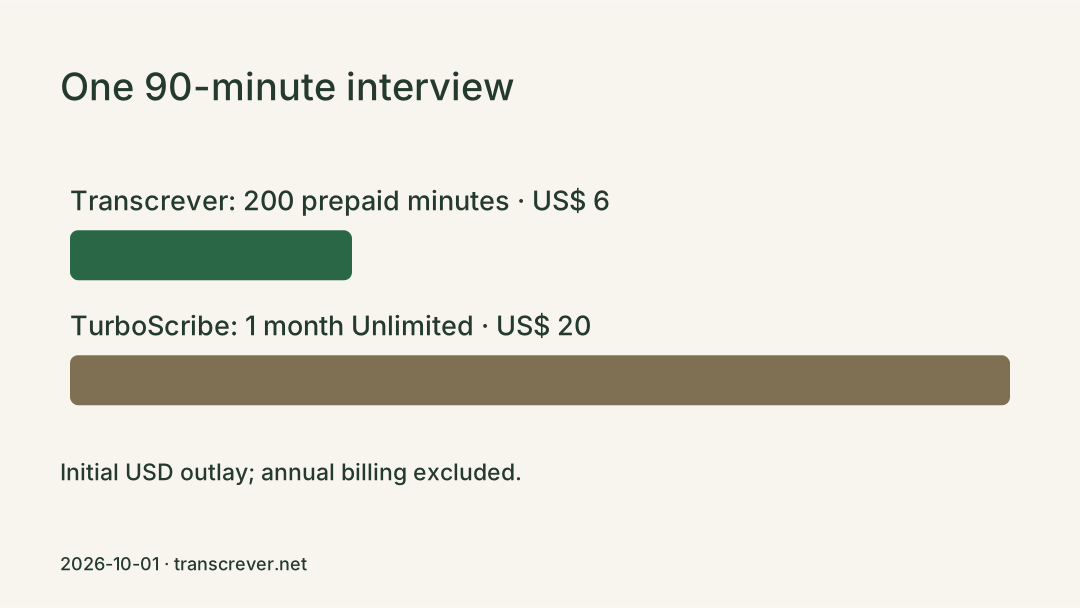
Compare a one-off 90-minute interview, 500 minutes a month and long recordings, with actual costs and per-file limits.
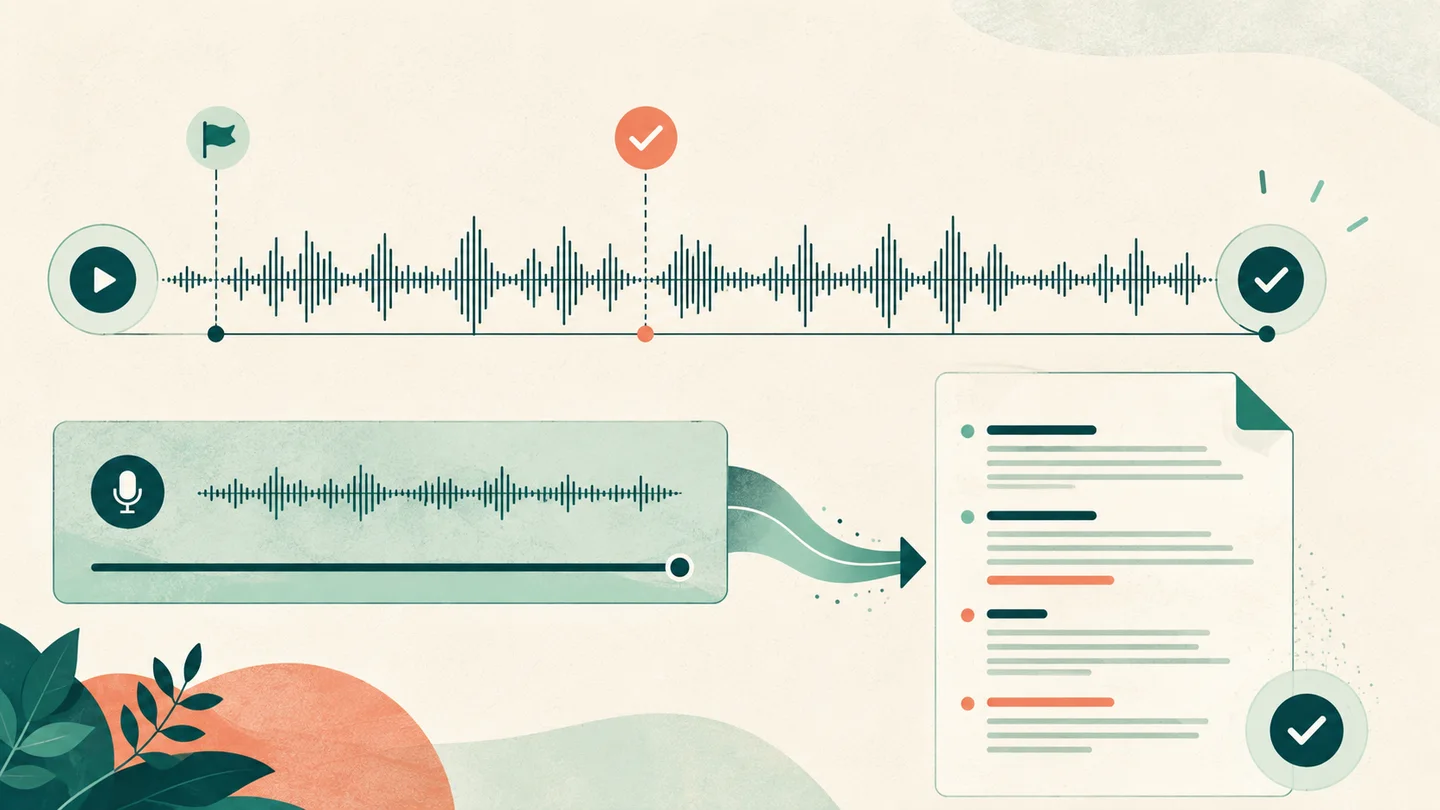
Save the complete message, check its duration and ending, review your Transcrever plan limit, and verify the transcript against the recording.
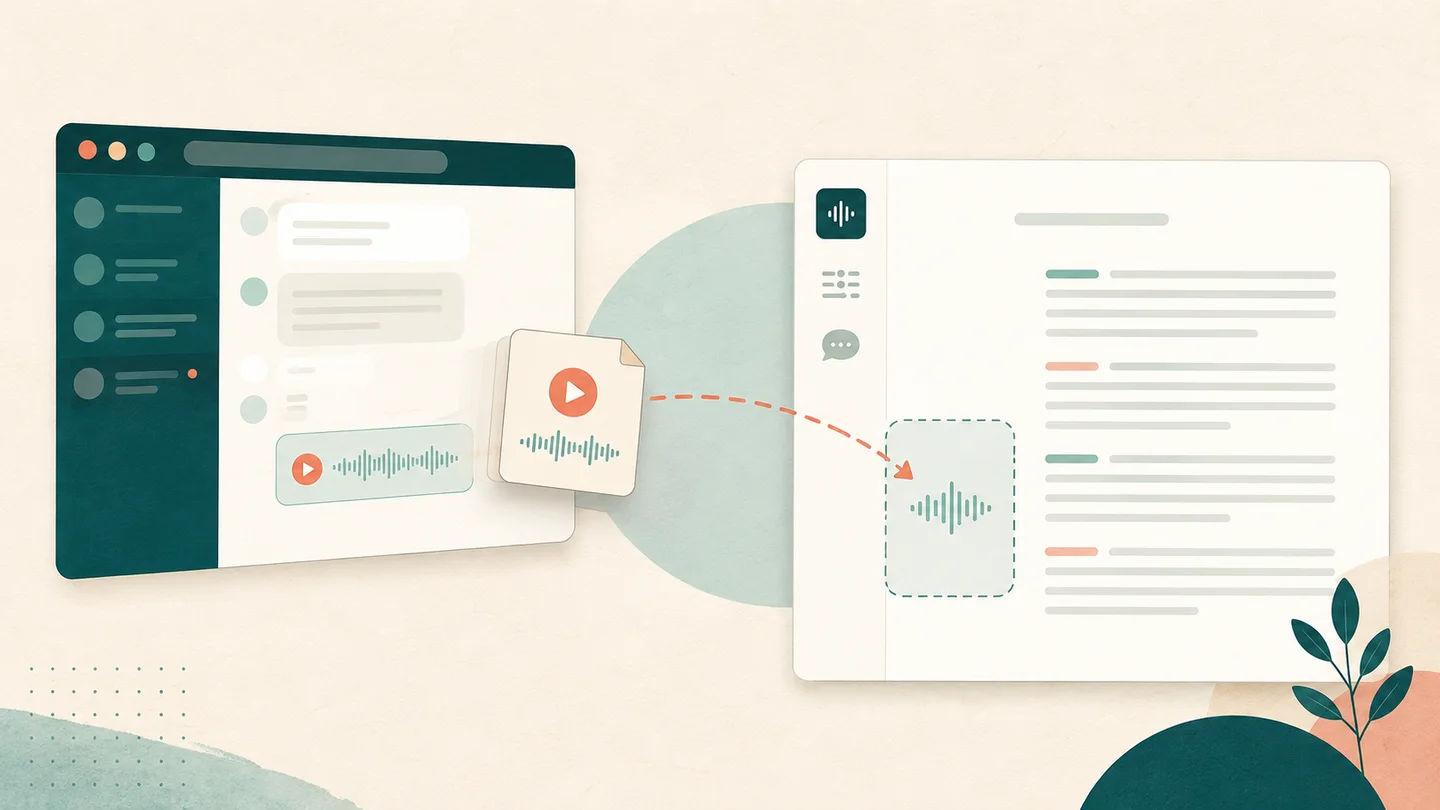
Cannot find the transcribe option? See where to enable voice-message transcripts and how to save the audio on your computer when the feature is unavailable.
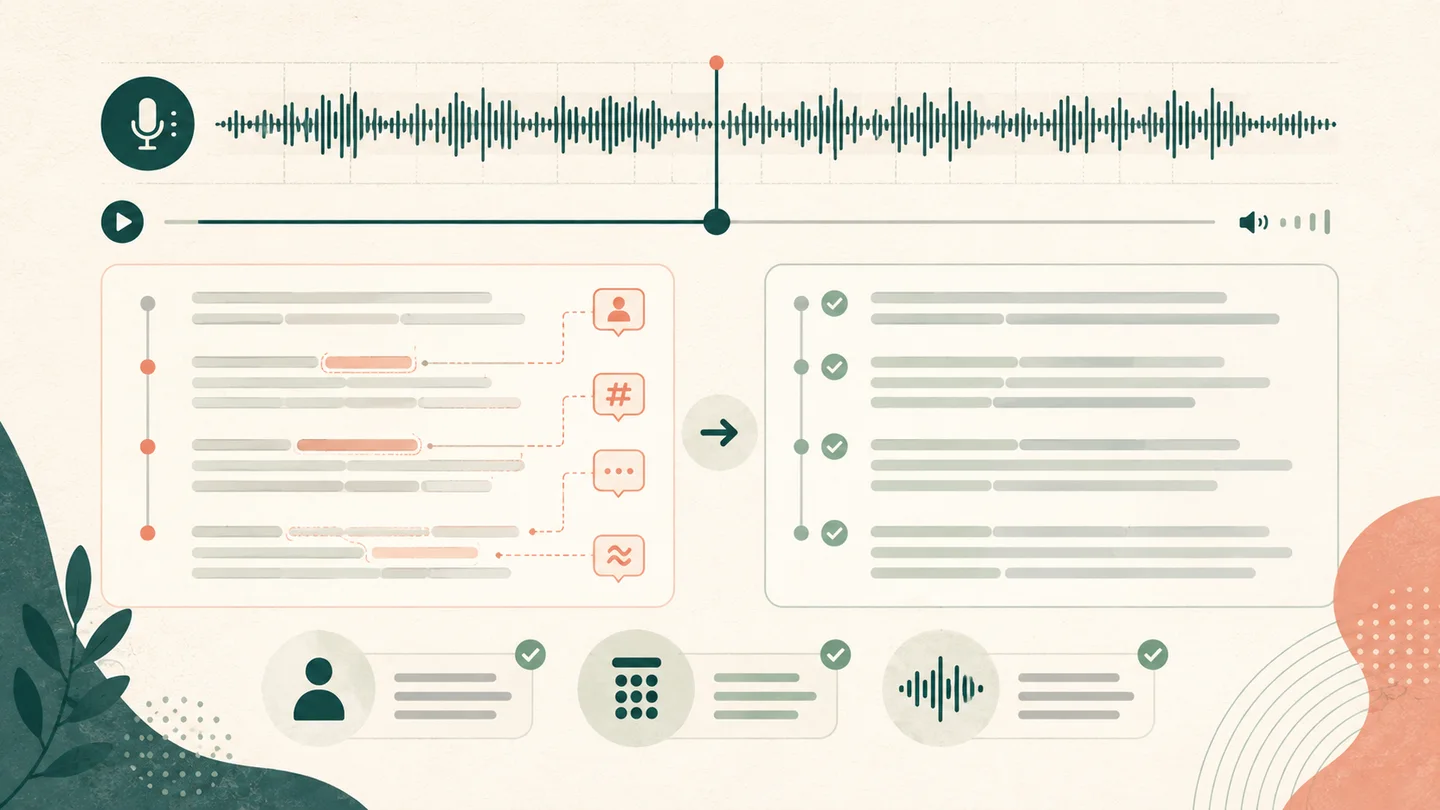
Compare the text with the original message, check names, numbers, and missing passages, and correct only what the recording confirms.
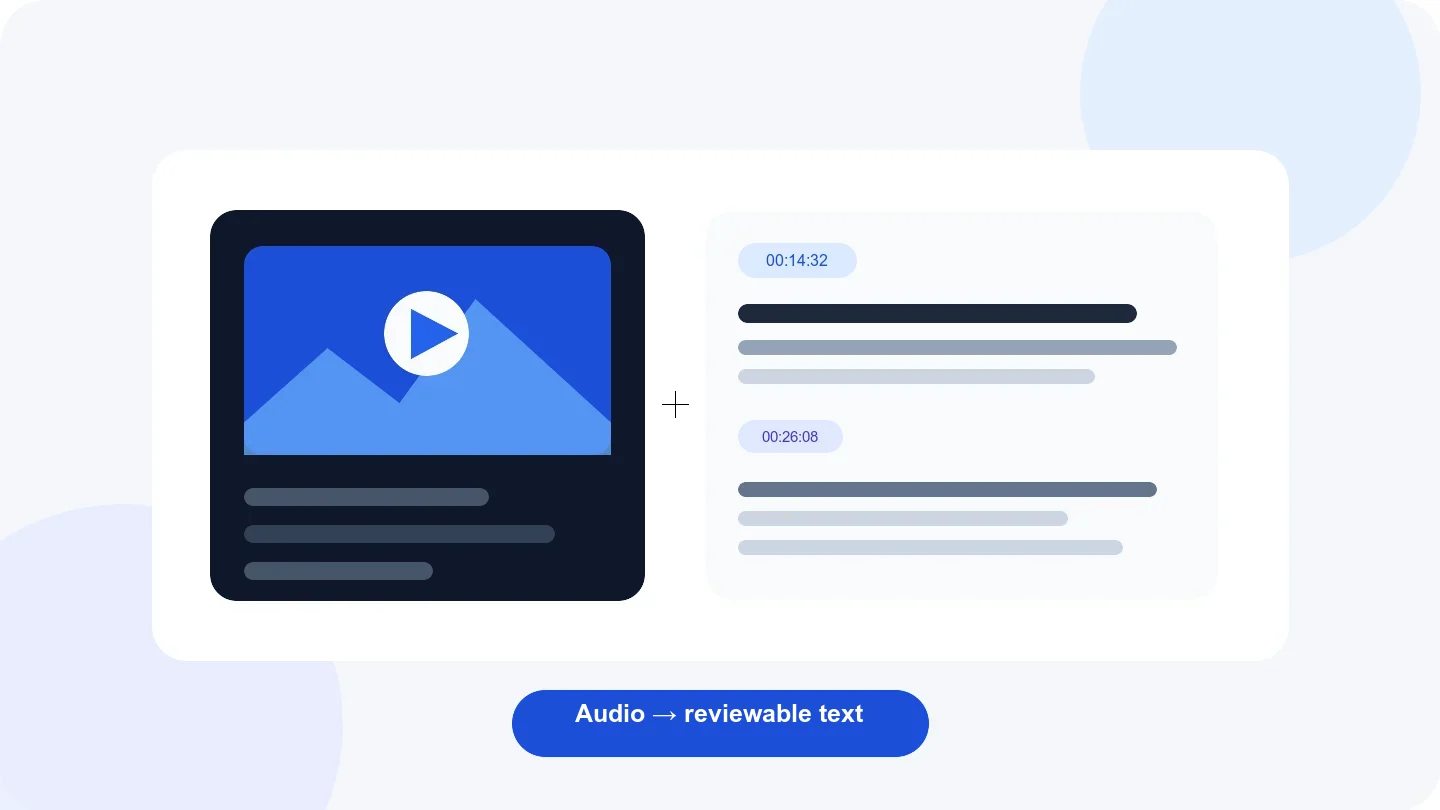
Transcribe a recorded lecture, correct names and terminology, return to source audio by timestamp, and download reviewed TXT or DOCX.
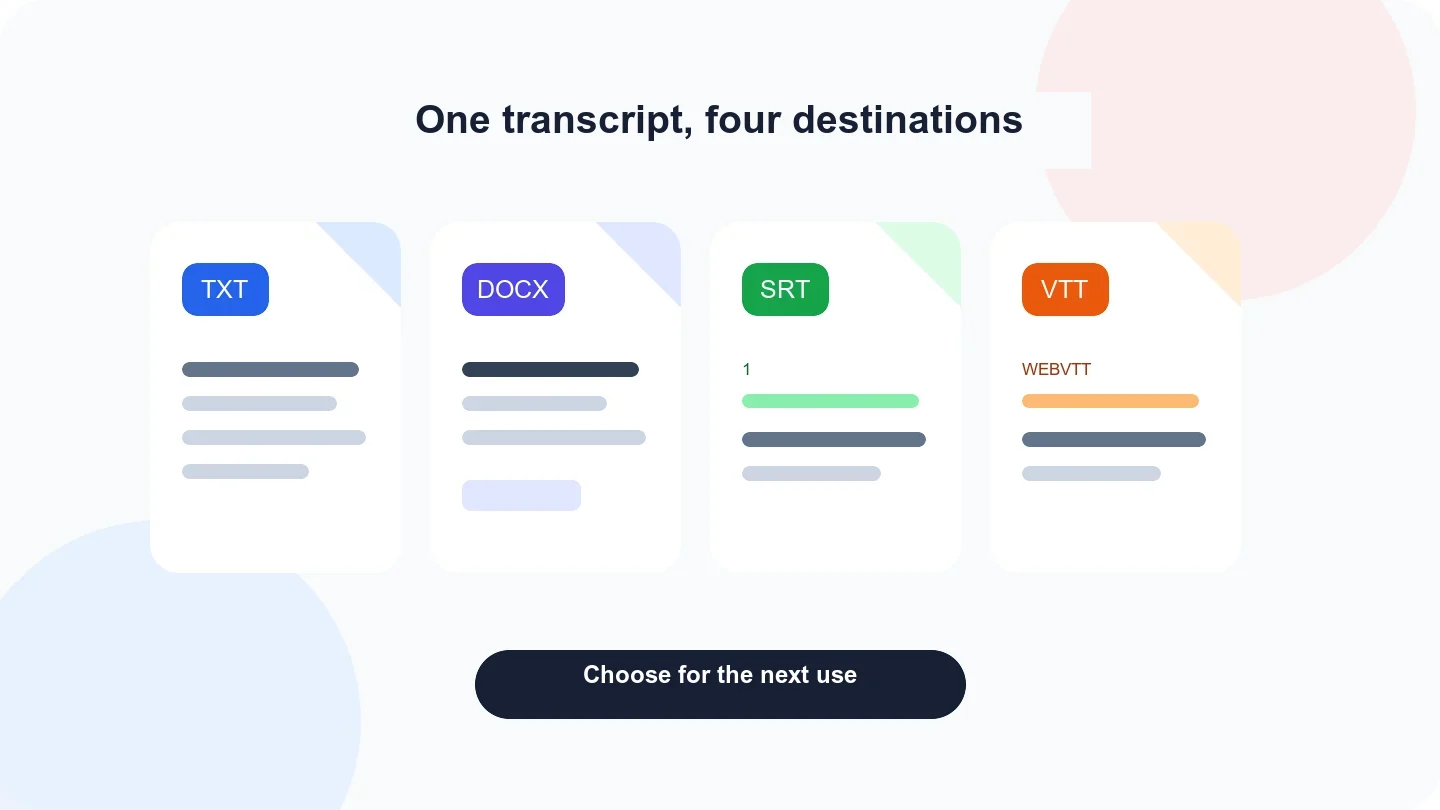
Compare Transcrever’s four export formats and choose plain text, an editable document, or timed subtitles for your next task.
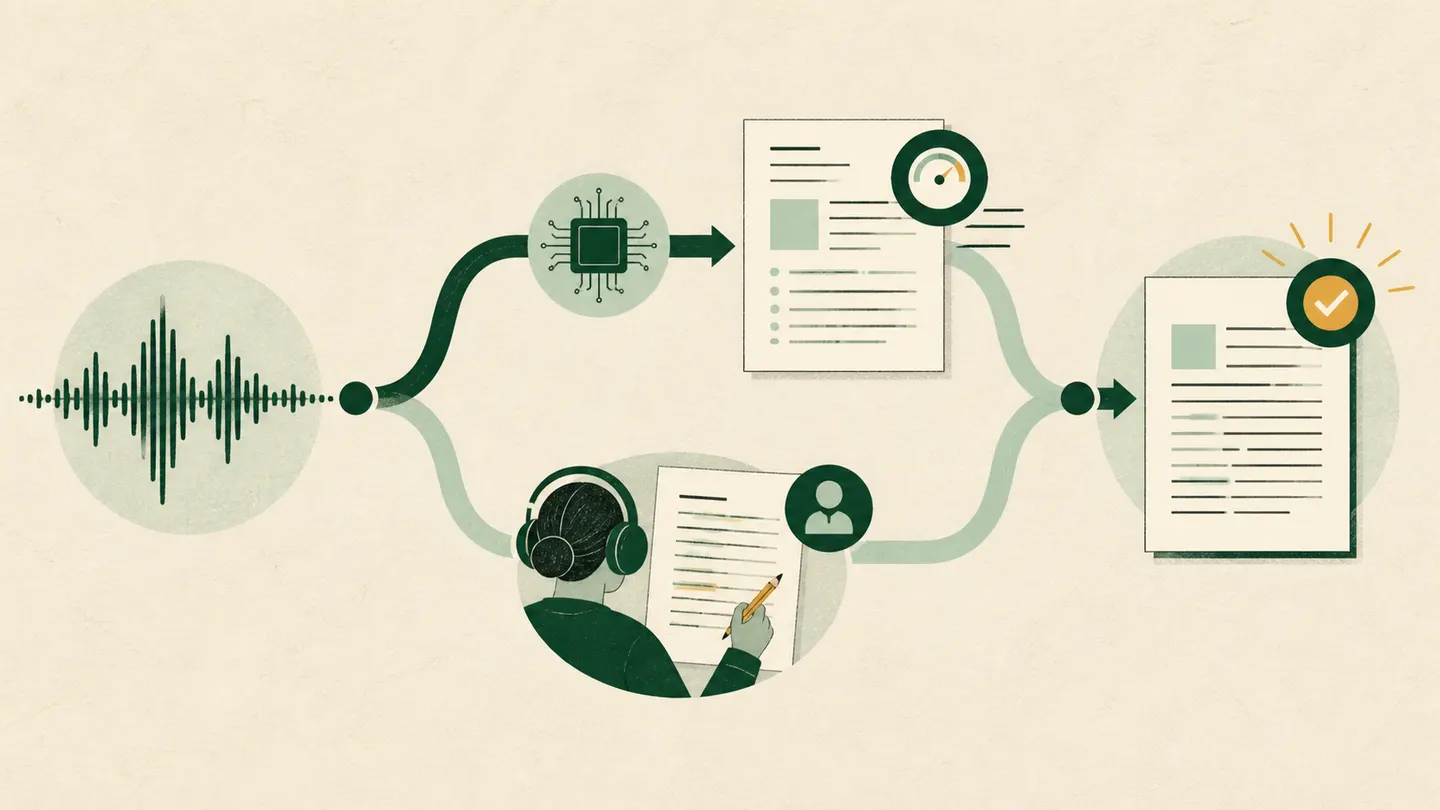
Compare automatic and manual transcription, then test, review, and export your own recording in Transcrever before choosing.
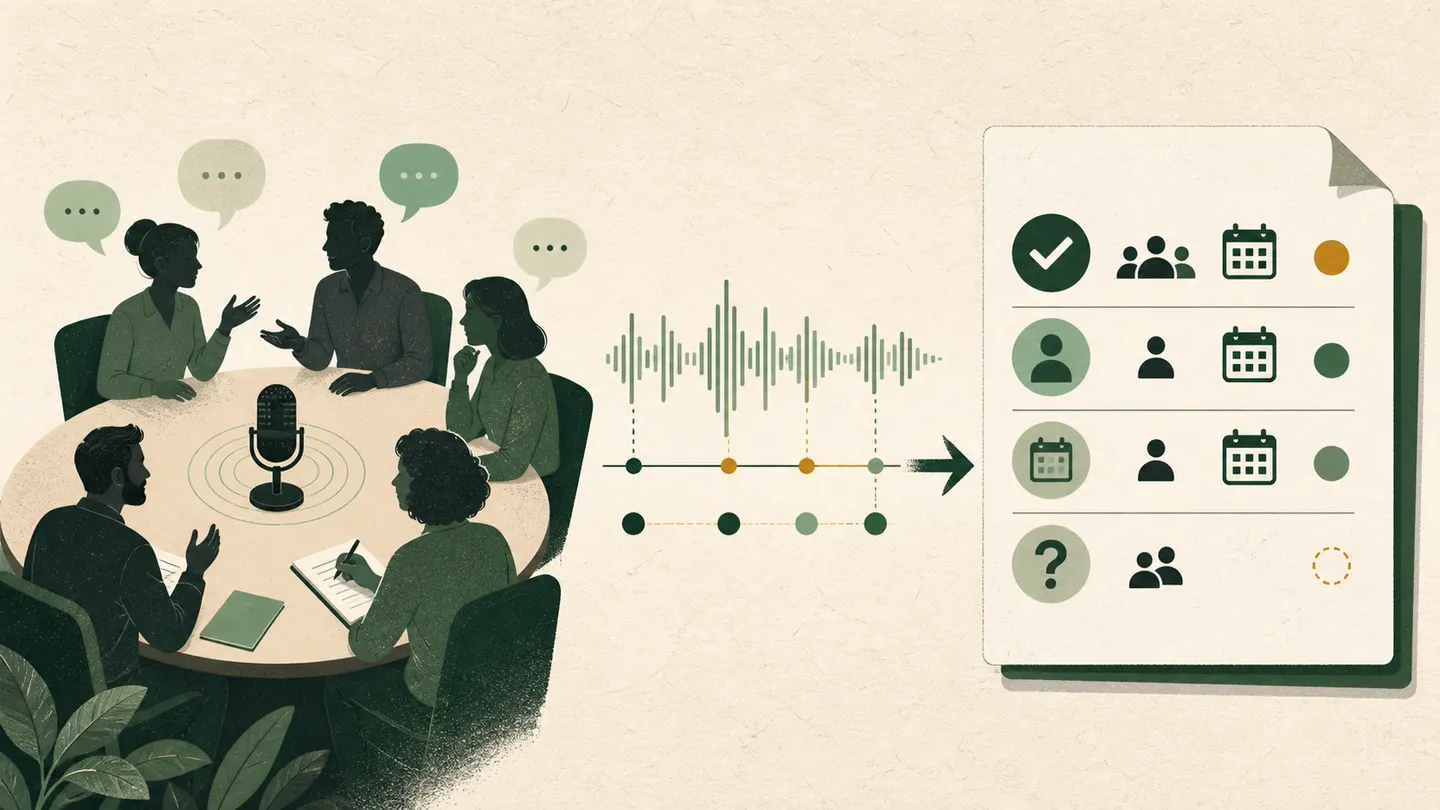
Upload a recorded meeting to Transcrever, identify and rename speakers, correct text against the audio, and download TXT, DOCX, SRT, or VTT.
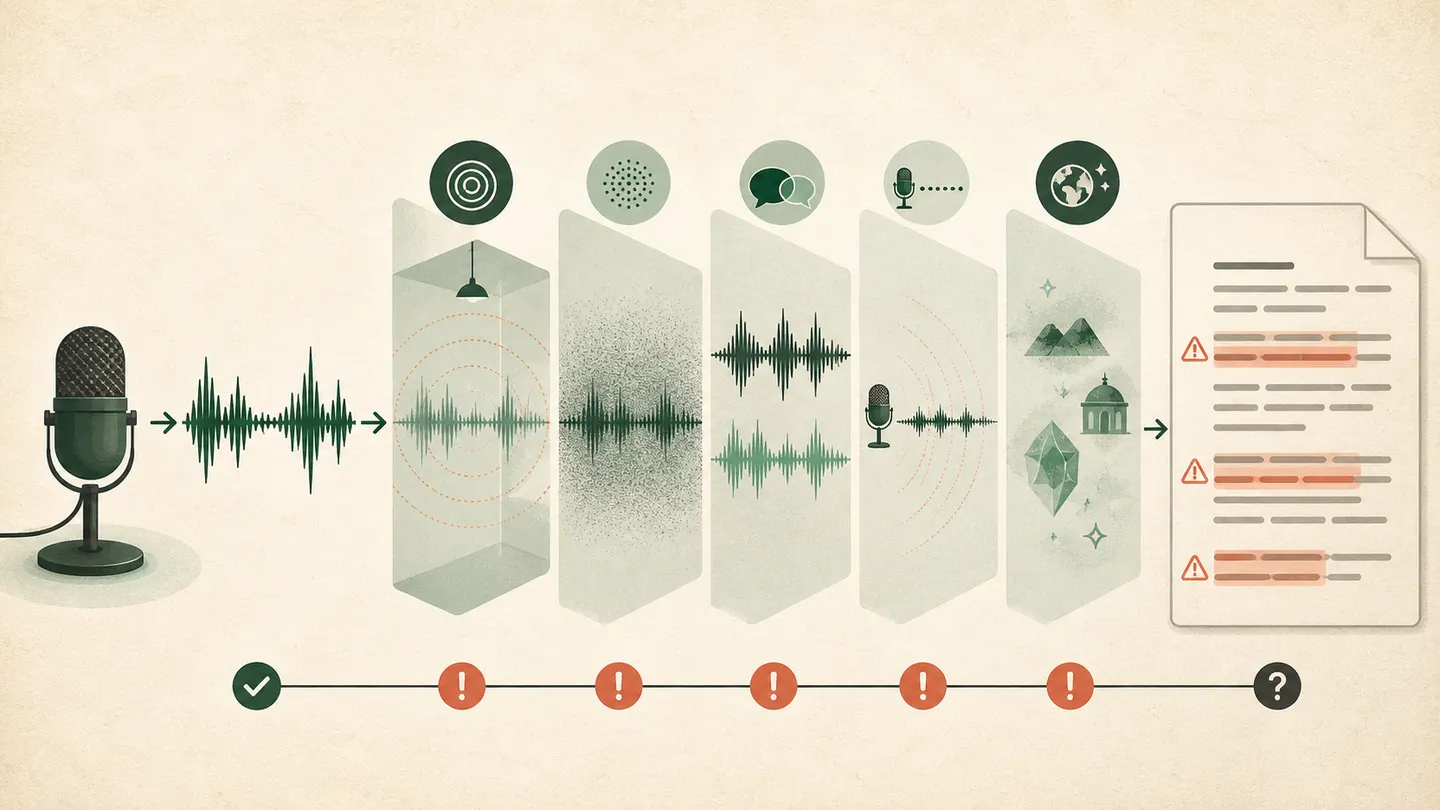
Diagnose the wrong language, noise, overlapping speech, names, and speaker errors, then correct the result against the recording in Transcrever.