Troubleshooting
Inaccurate WhatsApp audio transcription? Review it against the recording
Compare the text with the original message, check names, numbers, and missing passages, and correct only what the recording confirms.
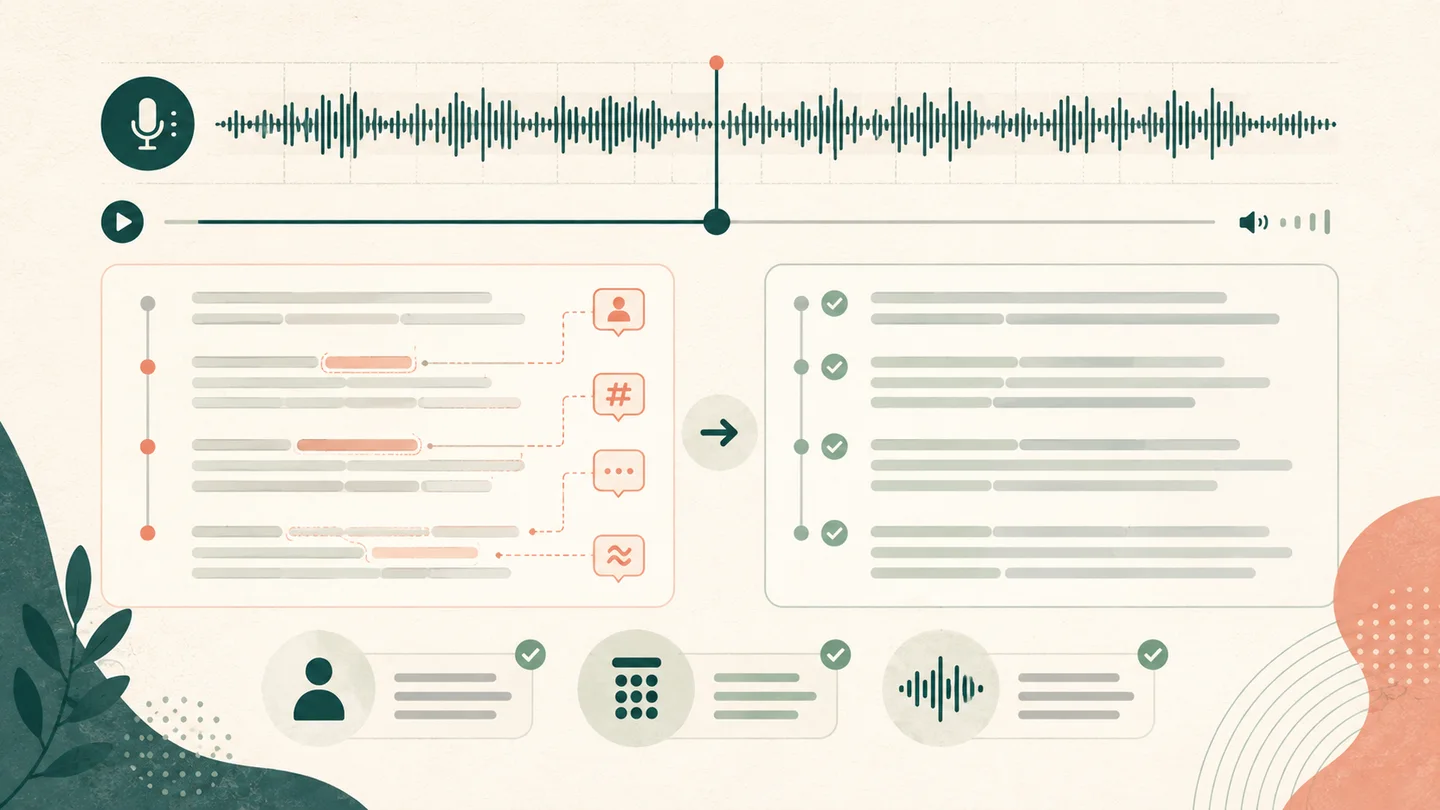
When a WhatsApp audio transcript is inaccurate, keep the original message and start with the detail carrying the greatest risk: a name, number, date, address, negative, instruction, or missing passage. Locate it in the text, listen a few seconds before and after, and correct only what the recording or another reliable source confirms.
There is no single percentage that predicts every recording. Microphone distance, noise, compression, overlapping speech, language, and vocabulary all affect what can be recognized and how much review is needed.
Identify the type of error
| What you notice | First check | Next action |
|---|---|---|
| a person's or company's name became a common word | listen to the passage and check a written source | correct the confirmed spelling |
| an amount, phone number, or code changed | replay more slowly and check each group | preserve uncertainty if it is not audible |
| an important sentence disappeared | compare the preceding and following time | look for clipping, silence, or covered speech |
| the beginning or end is missing | play the saved file outside the conversation | save another copy if the duration is shorter |
| the speaker is wrong | listen from the previous passage | change that passage's label |
| nearly everything is disconnected | check the selected language and source | submit again with the correct setting |
Check details that can change a decision first
Imperfect punctuation usually carries less consequence than a missing “not.” Prioritize:
- names of people, businesses, products, and places;
- phone numbers, documents, orders, and other codes;
- amounts, quantities, dates, and times;
- addresses and landmarks;
- negatives, conditions, and exceptions;
- who must do what and by when;
- the first and final sentence of the message.
For a spoken list, check one item at a time. Do not add an item merely because it would complete a pattern.
Listen around the passage, not only to one word
An isolated word can sound different when you hear the prior sentence, a pause, and the following response. Use the passage time to return to the recording and listen to a few seconds of context.
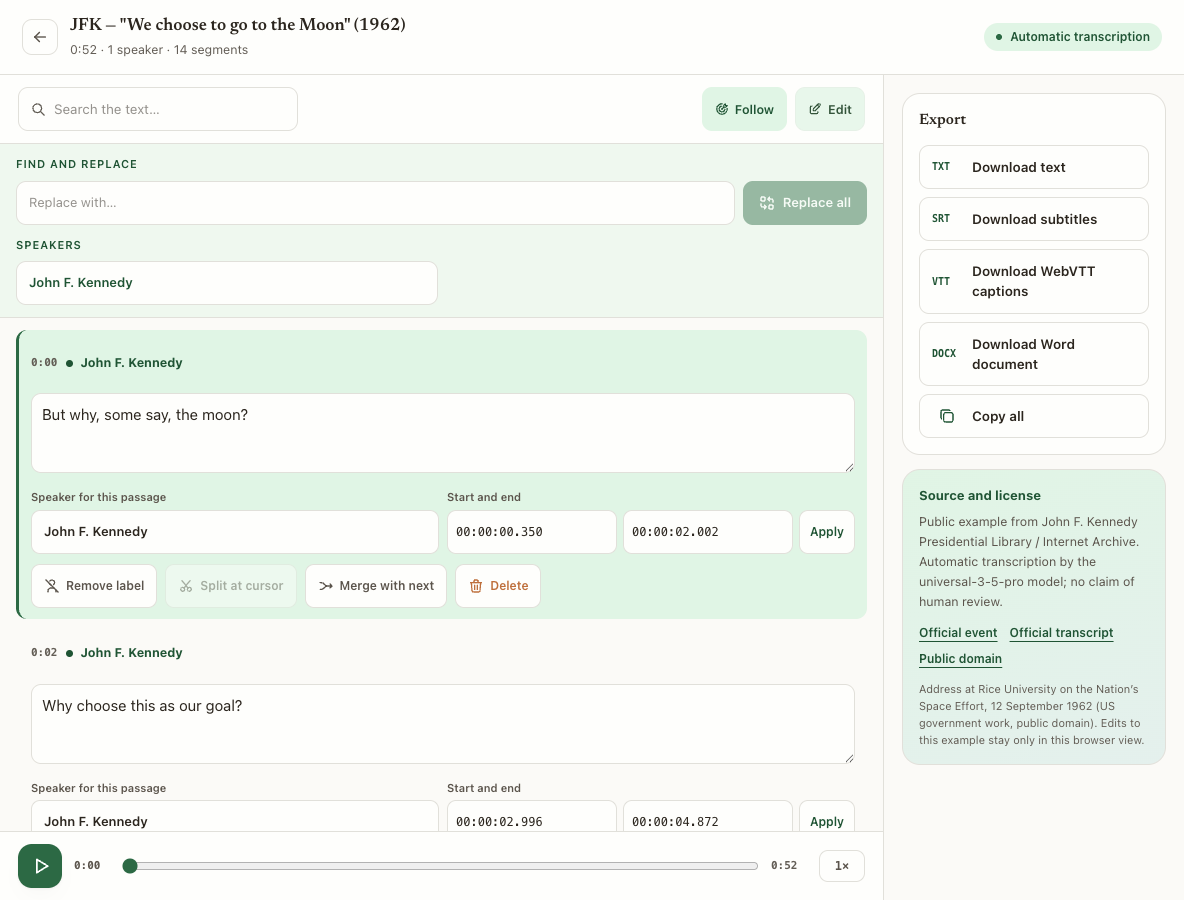
If the same name appears repeatedly, confirm one clear occurrence before using find and replace. A bulk replacement changes literal matches in the text; it does not verify that every passage contains the same name.
Verify language, voices, and source file
The wrong language can produce recognizable words in disconnected sentences. Return to upload and select the main spoken language. Foreign terms and proper names still need review.
Speaker separation can stay off for a one-person voice note. Enable it for a conversation, a forwarded recording with several people, or a relevant background voice. Then check transitions: automatic labels organize passages but do not prove identity.
Also play the saved file outside WhatsApp. If it ends early, contains silence, or does not match the conversation, obtain another copy before correcting the entire transcript.
Correct without inventing inaudible words
Edit a passage when the recording confirms the word. Split a passage when it mixes speech that needs separation; merge consecutive passages only when they belong to the same speaker and the reading remains consistent with the audio.
If the content remains inaudible, mark the uncertainty or leave a note for review. A fluent but invented sentence is more dangerous than an explicit doubt.
Why automatic transcription can be inaccurate expands the diagnosis to meetings, lectures, and other files.
What our public tests can and cannot show
Our public Brazilian Portuguese transcription evaluation identifies the files, references, model, measurements, and limitations of specific tests. It is published in Portuguese and does not turn one dataset result into a promise for every WhatsApp message.
That distinction matters: a short voice note recorded nearby, a forwarded call, and audio with background music are different conditions. Evaluate your own file and the details that affect its intended use.
Export the version you actually reviewed
After correction, use Copy for chat for text without speaker labels while keeping passage order and line breaks. Use Copy all when the labels help explain who spoke.
TXT and DOCX work for text and editing. SRT and VTT preserve time ranges for checking and subtitles. Open the downloaded file and confirm that the exported version includes your edits.
To process another message, use WhatsApp audio transcription.
When to correct, resubmit, or find another source
Correct when the error is limited to audible passages, names, numbers, or labels.
Resubmit when the wrong language was selected or you found a copy closer to the original.
Find another source when the recording itself is clipped, distorted, or covered. Conversion and increased volume cannot restore detail that was not captured.
Frequently asked questions
Does vocabulary correct every name?
No. It supplies expected spellings before processing, but audio and context still determine the result. Check every important name.
Does removing noise always improve the text?
No. A filter can also remove parts of speech. Keep the original and test a short copy before changing the complete file.
Should I delete a passage that makes no sense?
Listen to the interval first. Delete only after confirming that it should not be in the result; otherwise correct it or mark the uncertainty.
Can I forward the transcript without review?
For content that informs a decision, review at least names, numbers, conditions, instructions, and the end of the message.