Comparisons
TXT, DOCX, SRT, or VTT: which format should you use?
Compare Transcrever’s four export formats and choose plain text, an editable document, or timed subtitles for your next task.
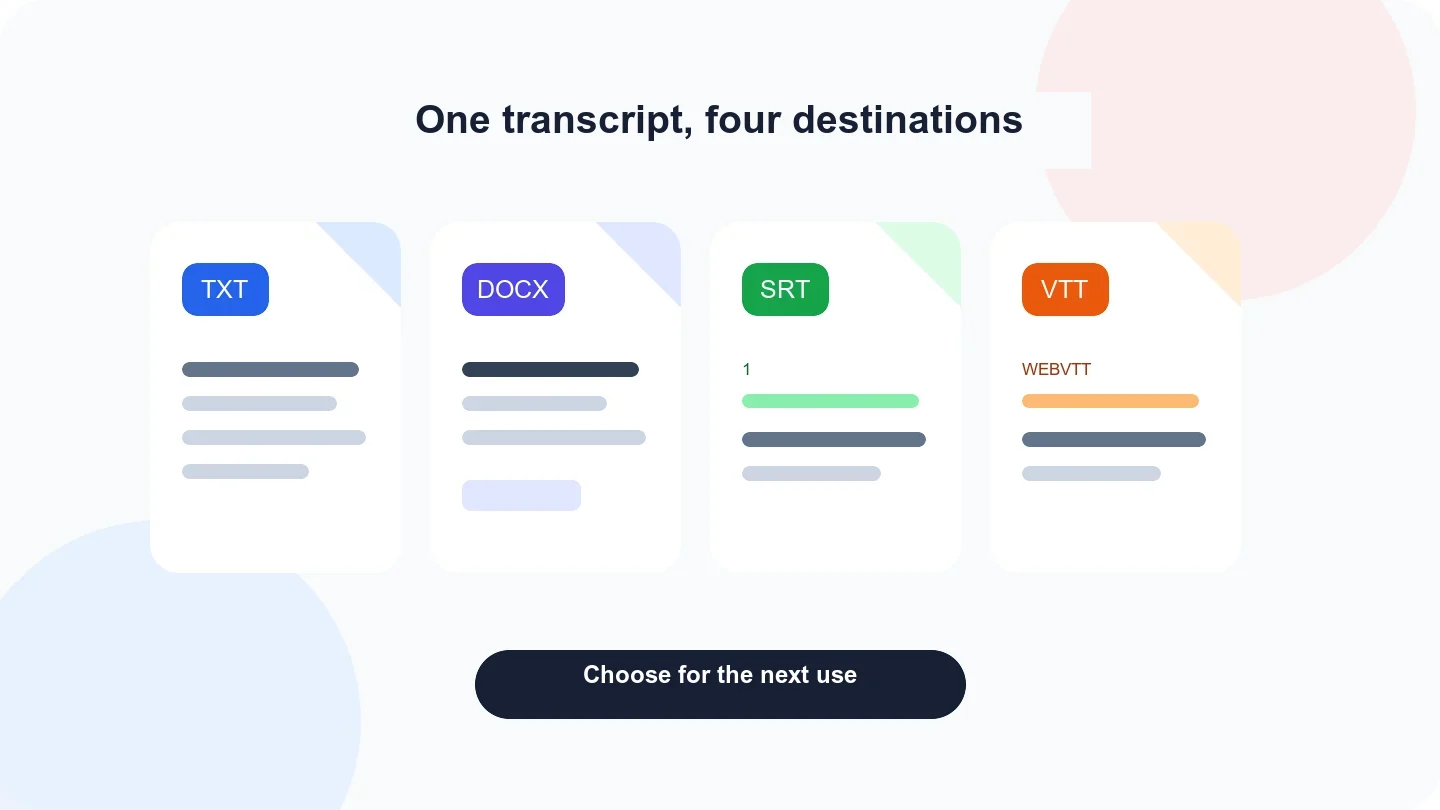
Choose TXT for plain text, DOCX to continue editing a document, SRT for numbered subtitles accepted by many editors, and VTT for WebVTT captions used by compatible web players. In Transcrever, all four files start with the same reviewed text; SRT and VTT also contain passage timings.
Quick comparison of all four formats
| Format | What it contains | Best for | What to check |
|---|---|---|---|
| TXT | Plain text | Search, archives, and imports | It does not preserve rich formatting |
| DOCX | Editable document | Further review, highlights, and organization | Open it in the team's document editor |
| SRT | Numbered start/end blocks | Tools that accept SubRip subtitles | Timing, line breaks, and on-screen reading |
| VTT | WebVTT start/end blocks | Compatible web pages and players | Destination support and synchronization |
The best format depends on what happens after download, not on whether the original recording was audio or video.
When to download TXT
Use TXT when content matters more than presentation. It is small, opens in simple editors, and works well for searching phrases, archiving a reviewed interview, or passing text into another process.
TXT is not the right choice when you need highlights, headings, or a visually arranged document. It also does not carry timed subtitle blocks.
When to download DOCX
Use DOCX to continue editing in a word processor. It is useful when you want to add headings, comments, highlights, and editorial organization after reviewing the transcript.
The file remains a transcript. The download does not automatically create meeting minutes, a summary, a report, or an action list.
When to download SRT
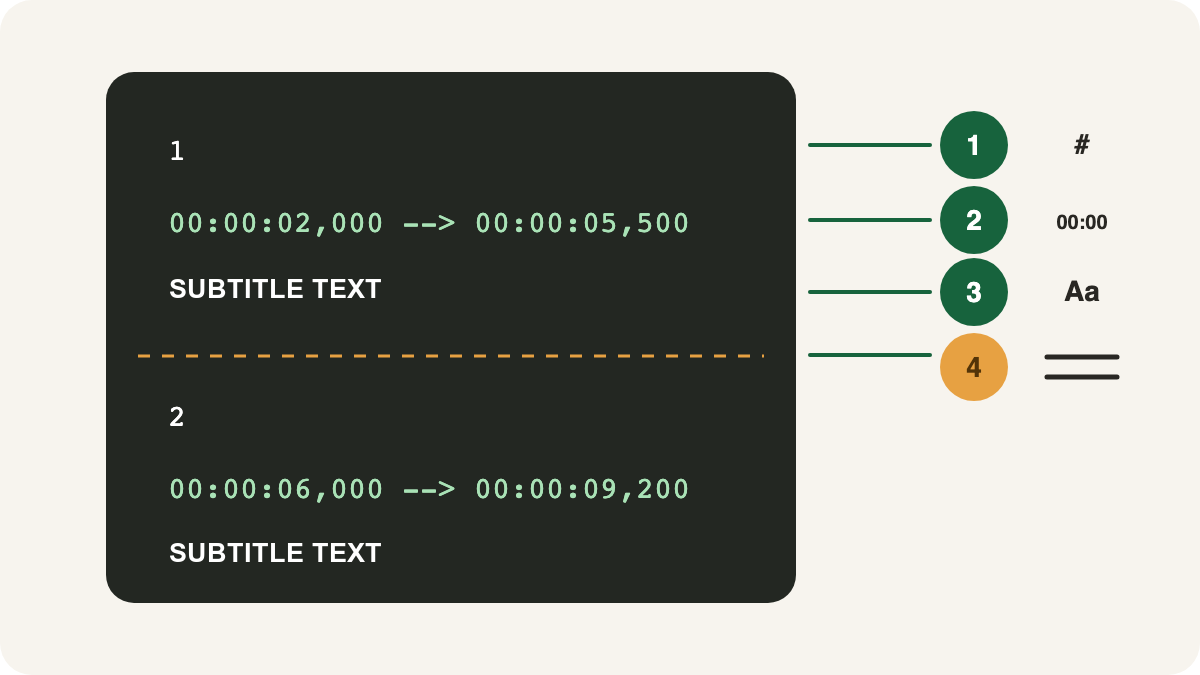
SRT arranges captions in numbered blocks. Each block contains a start time, end time, and the text shown on screen. Use it when your video editor or destination explicitly supports the SubRip format.
After downloading, watch the video with the subtitle file applied. Correct long blocks, late entries, and early exits before publishing.
When to download VTT
VTT is the WebVTT format. It also stores timings and text, but has its own header and syntax. It is common in web players and tools that specifically request a .vtt file.
Do not merely rename .srt to .vtt; the syntax differs. Download the format requested by the destination.
Prepare the file before export
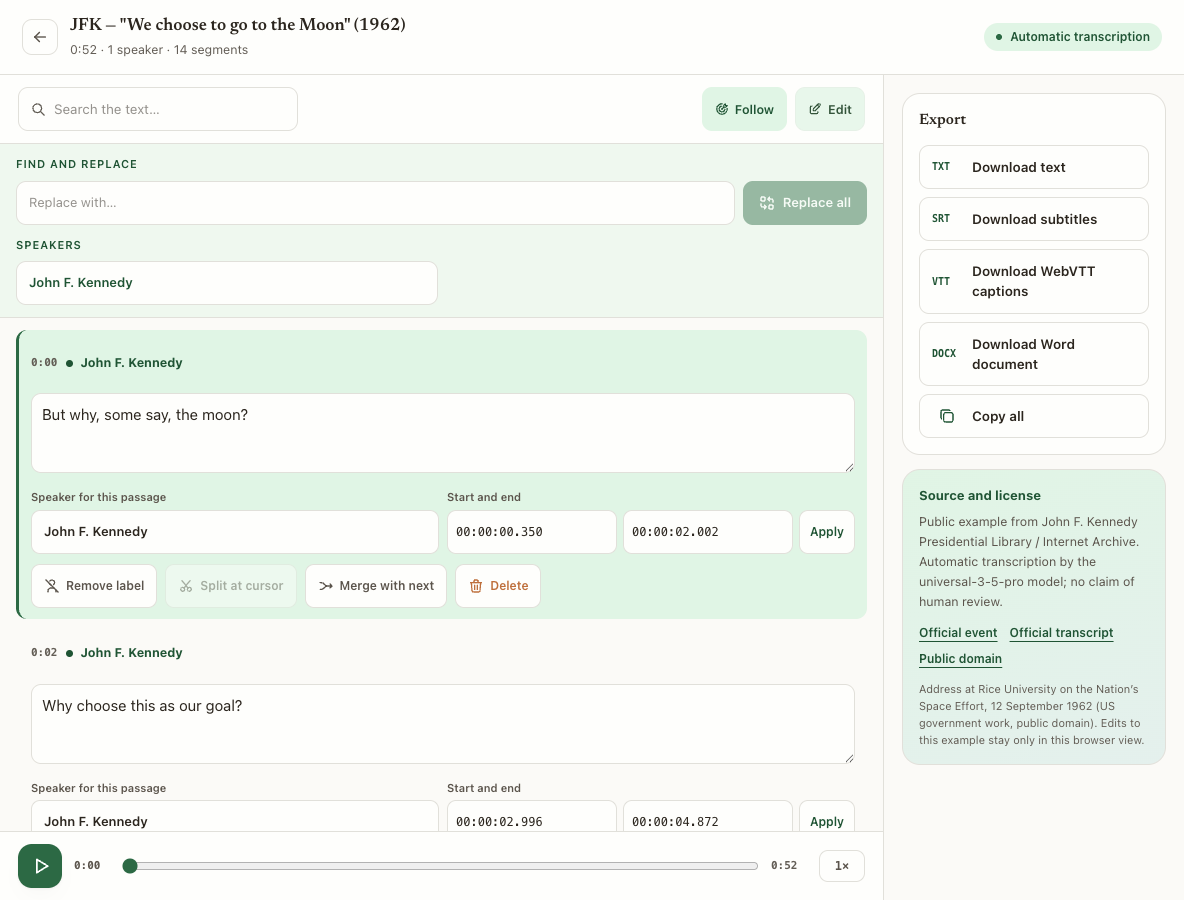
On audio to text, upload the recording and open the editor after the task completes. Before downloading:
- search for names, brands, and recurring terms;
- correct text against the audio;
- adjust speakers and passages when necessary;
- verify the start and end of subtitle passages;
- choose a format accepted by the next application.
Text corrections made before download appear in all four formats. Timing edits also affect the exported subtitle blocks.
Decide from the destination
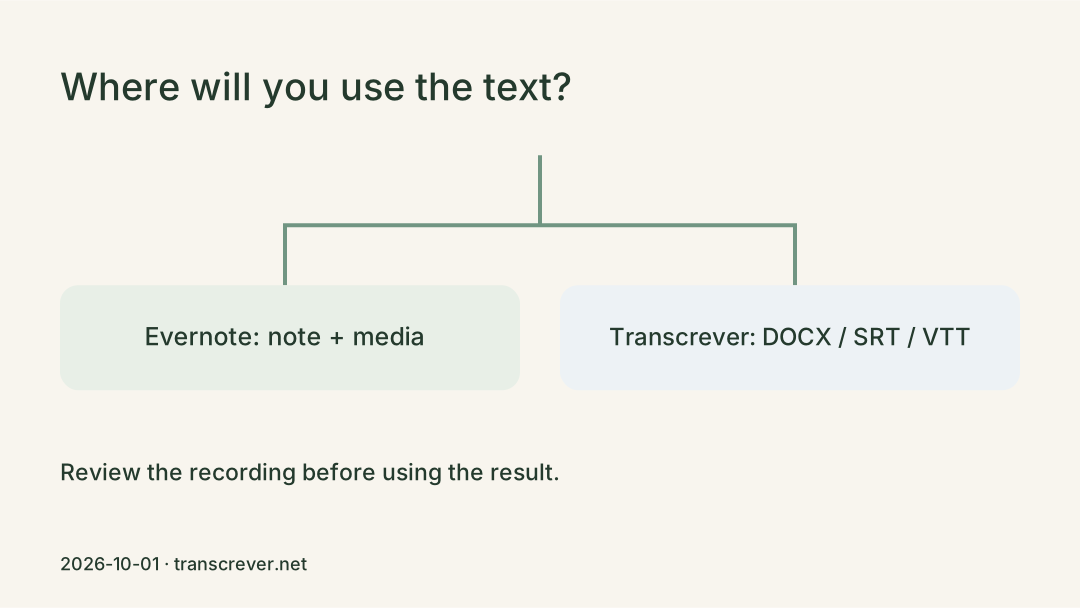
If someone asks for “the transcript,” ask how it will be used. A writer usually needs TXT or DOCX; a video editor usually needs SRT or VTT. When a platform provides import instructions, follow the format named there.
To make captions from a video, open the SRT and VTT subtitle generator, review the content, and test synchronization in the final destination.
Frequently asked questions
Does TXT keep timestamps?
Not as a subtitle file. When playback timing matters, choose SRT or VTT.
Is DOCX always better than TXT?
No. DOCX supports richer editing and formatting, while TXT is simple and easy to move between tools.
Do SRT and VTT contain the same information?
They can carry the same text and timings, but their syntax differs. Choose the format accepted by your player, editor, or platform.
Should I review subtitles after downloading?
Yes. Watch the video with the file applied to verify timing, line breaks, names, and the readability of every block.