WhatsApp audio
WhatsApp OPUS file rejected? Prepare a playable upload
Learn why renaming OPUS does not fix an upload and how to verify an OGG, WAV or MP3 copy before transcribing a WhatsApp recording.
If a saved WhatsApp file ends in .opus and is rejected, keep the original and convert a copy to WAV or MP3. Changing its extension to .ogg does not change its contents. If you already have a complete playable OGG, try it directly with WhatsApp audio transcription.
Check the full name and playback
Show file extensions in your file manager. Open the recording and compare its duration with the original message. Save it again before converting if it is empty, a shortcut or an interrupted download.
OGG and Opus describe different things
OGG is a media container; Opus is an audio codec. A valid .ogg may contain Opus audio. Transcrever accepts the OGG extension, but not a standalone .opus file. A valid OGG does not need conversion just because it uses that codec.
Convert a separate copy
Use an audio editor or converter that opens the original and exports WAV or MP3. Preserve the complete duration and avoid automatic trimming. Save under a different name. For private messages, prefer a local tool or review a service's terms before uploading to another site.
Compare the recordings
Listen to the beginning, middle and end of the copy. Check the duration, silence and clipped speech. WAV may be much larger, so check both size and duration limits. MP3 can reduce size, with quality depending on export settings.
Upload the accepted file
Select the copy and its spoken language. Once transcribed, verify names and numbers against the audio. The OGG and OPUS guide provides other checks; OGG to text is the next step when you already have a valid OGG.
Still rejected?
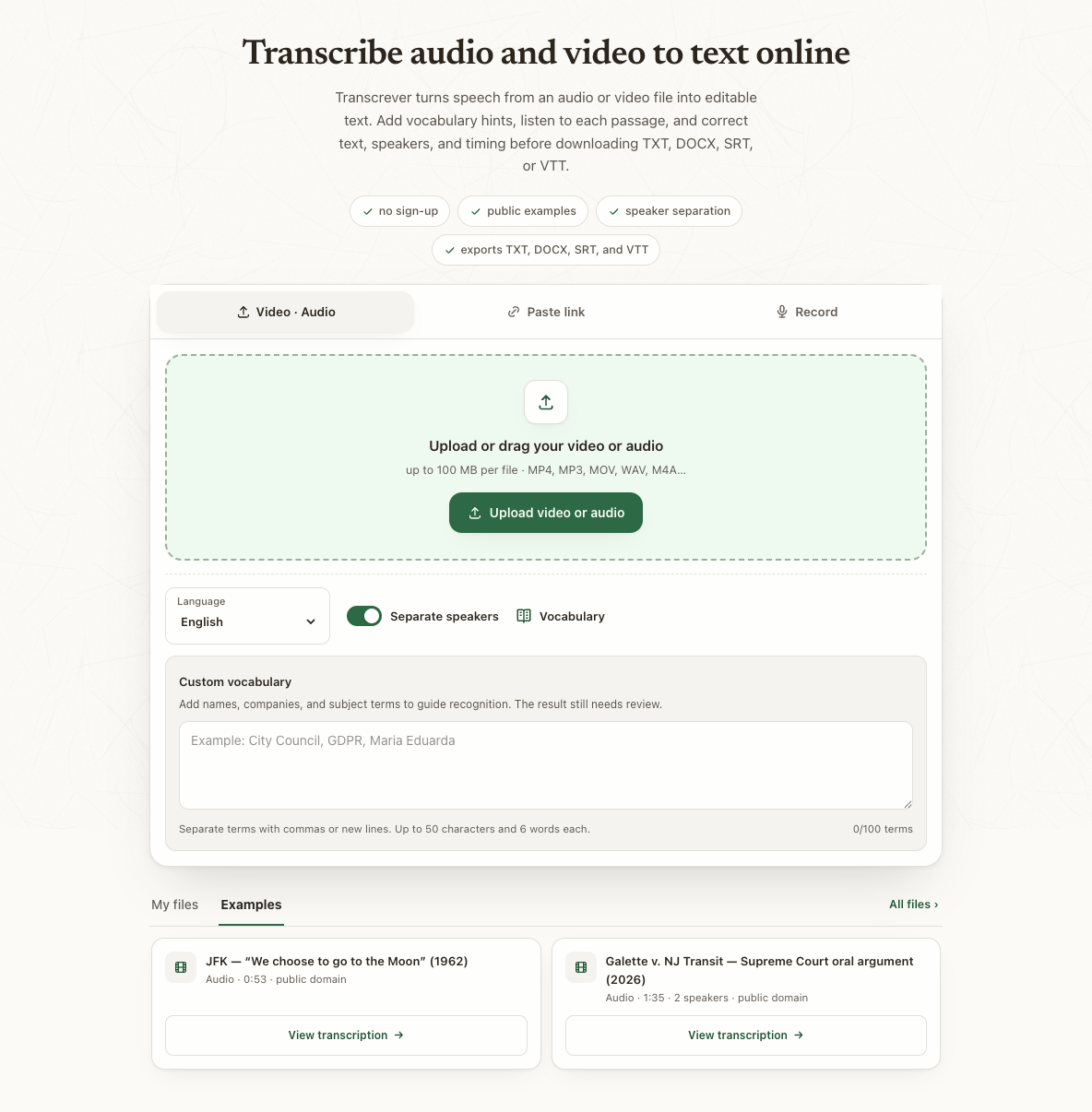
Read the error and check file size and duration. The anonymous trial allows up to 10 minutes and 100 MB per file, within 30 total minutes. Accepted formats must still meet those limits. Compare plans and minute purchases for larger recordings.
Frequently asked questions
Does renaming OPUS to MP3 help?
No. Export a new copy with a converter that can read the original.
Must every OGG be converted?
No. Try the original if it plays completely and meets the upload limits.
Does conversion repair poor speech?
Conversion prepares the format. Verify important passages; missing or inaudible speech may still lack enough information.